The short version
RPM is a modelling input, not a promise or a public fact about a creator’s payout. Keep the assumption visible and compare like with like.
What RPM means in a creator estimate
RPM stands for revenue per mille: revenue per 1,000 views. The scenario formula is eligible views ÷ 1,000 × RPM. At 800,000 eligible views and a $0.50 assumption, the model returns $400.
The word “eligible” matters. A profile’s public view total may include videos or views that do not qualify for a particular rewards program. The model is not reading a creator’s private TikTok payout statement.
Why two creators can have different RPMs
The value can vary with program eligibility, the audience and its location, content category, viewer retention, seasonality and the rules in effect. Public profile data does not expose all of those inputs, so a stranger cannot derive an exact RPM just by looking at the account.
That is why a single “TikTok pays X per 1,000 views” figure is a poor planning shortcut. A creator’s own dashboard or contract is better evidence for their actual rate. For outside research, show a range and label it clearly.
Choose an assumption you can explain
If the creator has shared a relevant RPM, you can use it as a starting point. Otherwise, choose low, middle and high assumptions for your own scenario and record why. Do not present a number from a calculator as a platform-wide benchmark.
When you compare accounts, keep the RPM assumption consistent. If you change the RPM for one creator but not the other, the comparison measures your settings as much as it measures the profiles.
- Use the same currency and date range for every profile in a comparison.
- Keep any sponsored or affiliate income separate from a view-based RPM model.
- Revisit the assumption when the program, content mix or eligible-view sample changes.
Put RPM beside the rest of the research
RPM alone does not tell you whether a creator is a good fit. Check recent views, the number of videos returned, posting cadence and engagement context too. A high estimated revenue figure based on one unusually popular post may not describe a repeatable month.
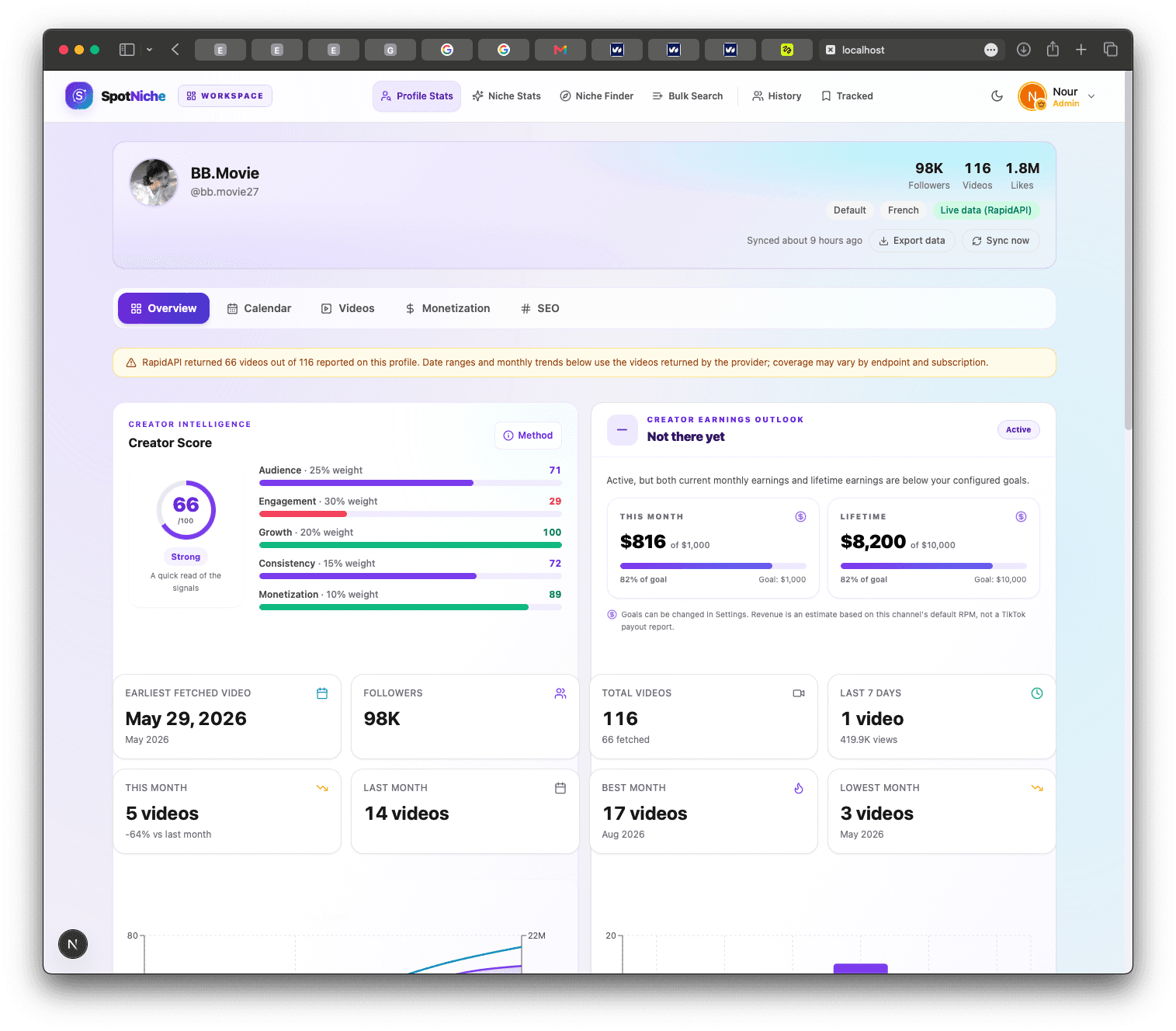
SpotNiche keeps the RPM editable in the earnings view, so you can test another scenario without losing the profile context. Start with the free RPM calculator if you only have a view count; use the workspace when you want to compare creators and periods together.
Put this into practice
See how a different RPM changes the picture.
Use the free calculator to test your own RPM range. In the workspace, adjust the assumption beside monthly and lifetime creator data.